FOR THE PEOPLE WHO RUN HOSTING
More servers.
One place to run them.
Bring WHM/cPanel servers and HostingOps Native servers into one workspace. Manage hosting accounts, packages and operations with a clear view of what is actually happening.
For hosting providers, MSPs and teams responsible for hosting infrastructure.
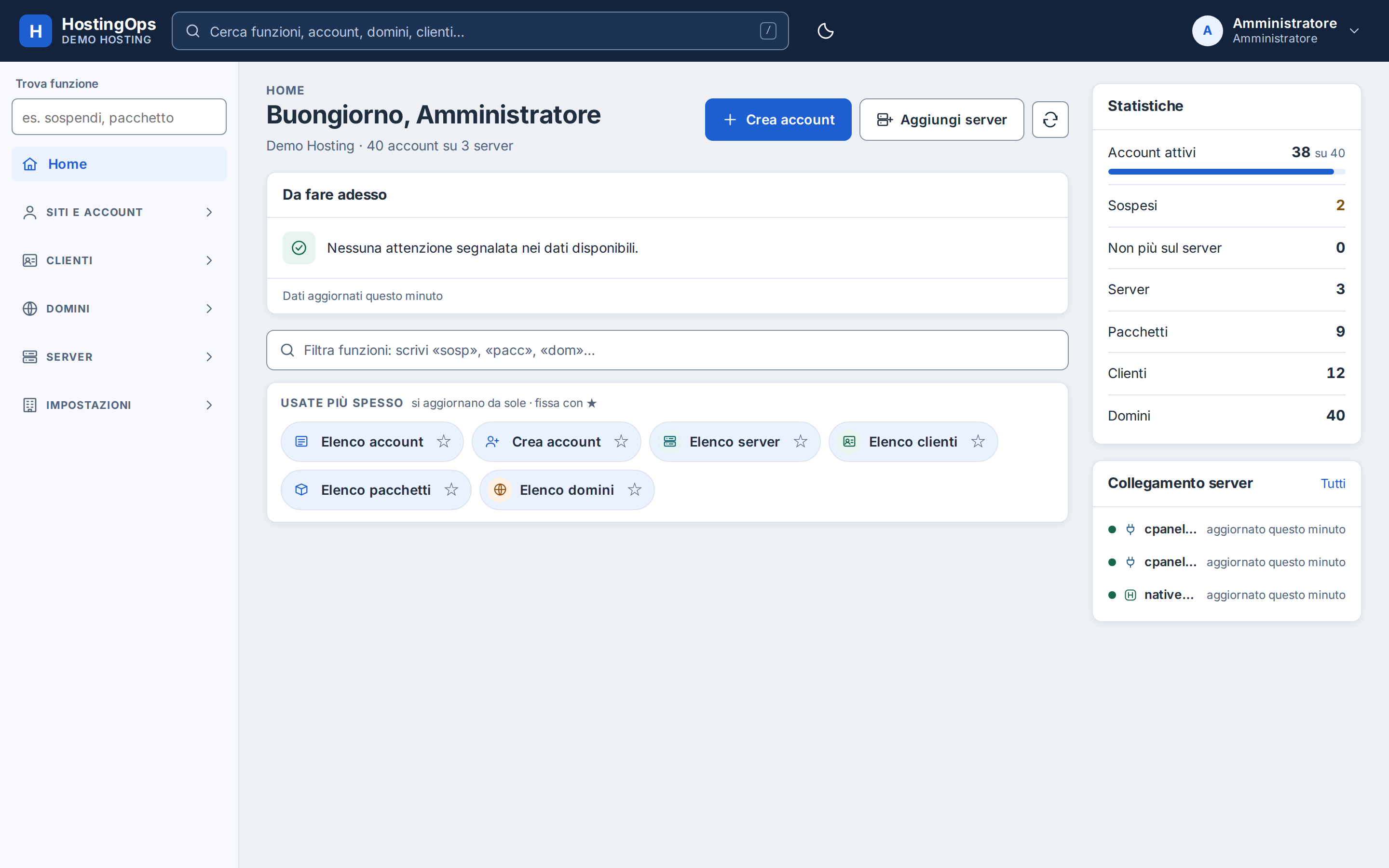
LESS SWITCHING. MORE CONTEXT.
Your servers are separate. Your workflow shouldn’t be.
Switching between individual panels makes it harder to spot what needs attention. HostingOps puts inventory, accounts and packages in the same place.
Find an account, see where it runs and check its real server state. Keep the context you need as your infrastructure grows.
WORK ACROSS YOUR FLEET
An alternative to cPanel. In the same workspace.
Connect the WHM/cPanel servers you already operate. Add HostingOps Native servers and work from the same interface, with inventory, real server state and verified operations.
- WHM / cPanel
- Synchronized inventory and account and package management across your existing servers.
- HostingOps Native
- Turn your own servers into a hosting platform managed entirely from HostingOps. Isolated accounts, each with its own resources.
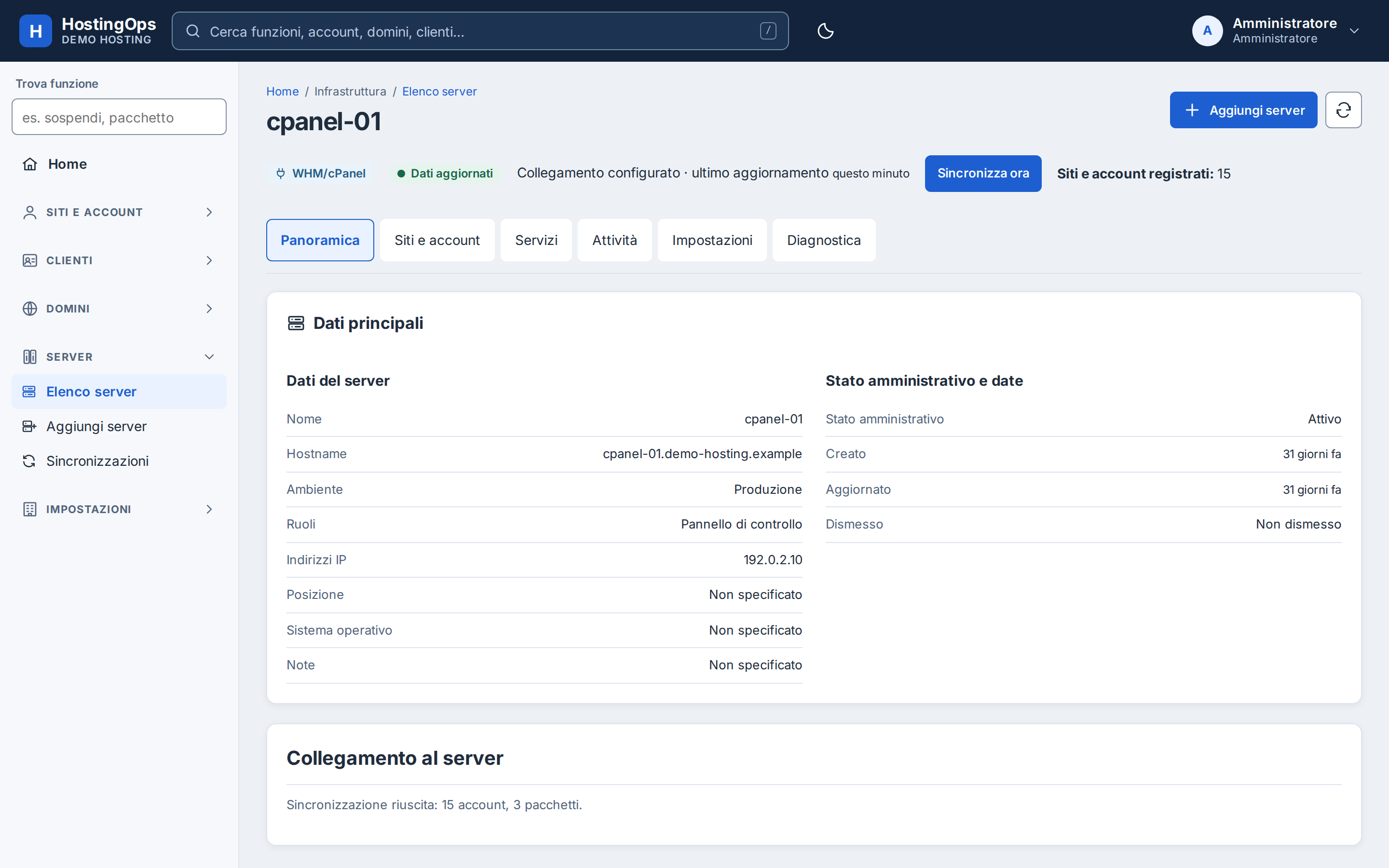
FROM REQUEST TO RESULT
An action is only useful when you can see the outcome.
See the real state of every server, spot differences and keep the panel aligned. Follow each request through to a verified result.
- 01
Take action
Create, suspend, reactivate and close accounts. Choose packages and limits for your services.
- 02
Follow the verification
Track progress, outcomes and real server state. Uncertain results remain clearly identified.
- 03
Keep the evidence
Review the complete activity history to understand each change and its outcome.
ACCESS WITH ACCOUNTABILITY
Control starts with who can act.
Built for hosting operations teams, with roles and permissions for everyone on your team.
- Two-factor authenticationTwo-factor authentication protects access.
- Sensitive actionsFresh authentication before sensitive operations.
- Organization isolationResources and permissions scoped to the organization.
- Activity historyA complete activity history, from request to verified result.
LET’S TALK ABOUT YOUR INFRASTRUCTURE
Get a clearer view of your next step.
Tell us how you run hosting today and what you’d like to make simpler.
Request informationHOSTINGOPS / WAITLIST
Waitlist opening soon
Sign-ups for HostingOps availability updates will open soon.
Waitlist registration is currently closed.